Creator Resources
Practical information for adult creators and webcam models—from getting started and choosing equipment to protecting your privacy, understanding platforms, and building a workable content setup.
Explore Creator Guides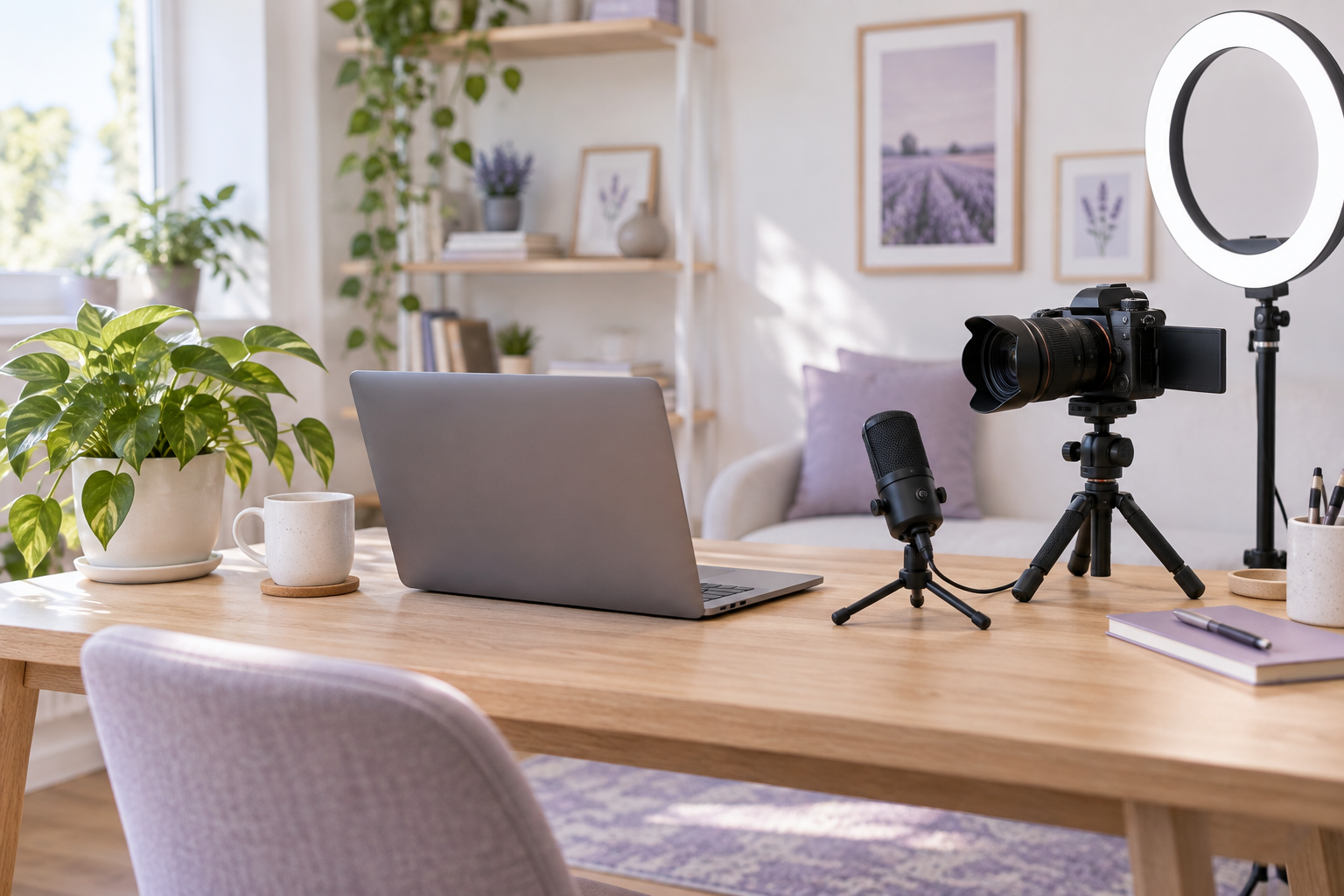
Start Here
Choose a starting point for your next step. Published guides are linked below; upcoming topics are clearly marked.
Getting Started as a Cam Model
Understand registration, basic equipment and what to consider before joining a platform.
Read the LiveJasmin getting-started guide →
Creator Equipment & Studio Setup
Plan your camera, lighting, audio and workspace. Start with the gear overview below.
Dedicated equipment guides coming later.
Privacy & Safety
Learn about platform privacy considerations and use the creator checklist below.
Explore privacy and safety →
Understanding Earnings and Platform Choices
Learn how payments, platform terms and costs can affect creator income.
Read the webcam model earnings guide →
Creator Gear & Studio Setup
Build around your space, budget and platform requirements. A reliable, comfortable setup matters more than buying everything at once.
◉
Webcams & cameras
Compare image quality, autofocus, connection requirements and compatibility.
☀
Lighting
Plan even, comfortable lighting and control glare before adding more equipment.
♫
Microphones
Consider voice clarity, room noise and microphone placement.
↕
Tripods & mounts
Choose stable support and an adjustable camera position.
▦
Backgrounds & room setup
Keep the frame tidy and check for identifying details.
⚙
Streaming accessories
Plan cables, power, headphones and any capture equipment your setup needs.
Product Reviews & Recommendations
Equipment reviews are planned for this hub. These category placeholders are not product endorsements; no products, prices or test results are listed yet.
Webcam reviews
Planned: image quality, ease of use and platform compatibility.
Coming later
Lighting reviews
Planned: brightness, adjustability and suitability for small rooms.
Coming later
Microphone reviews
Planned: voice quality, connection options and practical setup.
Coming later
Tripods & mounts
Planned: stability, adjustability and desk-space considerations.
Coming later
Creator software
Planned: recording, editing and workflow tools.
Coming later
Video Reviews & Tutorials
A future home for practical walkthroughs. These are topic placeholders; there are no videos to play yet.
▶
Privacy & equipment tutorials
Account settings and practical equipment setup.
Video planned
▶
Lighting & recording basics
Clear lighting, audio checks and recording workflow.
Video planned
▶
Creator setup walkthrough
Camera position, workspace and a simple pre-stream check.
Video planned
Creator Safety & Privacy
Make privacy part of your setup from the beginning. Review each platform’s current settings and policies before deciding what information to share.
Protect personal information
Check backgrounds, reflections, file details and profile text for identifying information.
Separate creator and personal accounts
Use dedicated contact details and review how accounts can be linked or discovered.
Secure your accounts
Use unique passwords and enable two-factor authentication where available.
Review privacy settings
Understand visibility controls, recording policies and the limits of blocking features.
Check payment and platform practices
Read payout rules, fees and support procedures. Be cautious with requests to move payments or verification outside official channels.
For Webcam Models
If you are considering webcam modeling, take time to understand the work, the platform rules and your own boundaries. This section brings together practical starting points for adults.
Getting started & presentation
Prepare your basic setup, check registration requirements and decide how you want to present your creator profile.
Read the LiveJasmin model guide →
Platform differences & earnings
Compare rules, payment systems, fees and payout requirements. Income varies; understand the terms before committing.
Understand webcam model earnings →
Privacy & boundaries
Consider what you are comfortable sharing and review the privacy checklist above before going live.
Recommended Creator Tools
Tool coverage is planned. These editable categories show what this resource area will cover; specific recommendations will be added after review.
◉
Streaming & recording
Tools for broadcasting, recording and checking your setup.
Recommendations coming later
▤
Editing & content planning
Tools for editing media, organizing ideas and planning a workflow.
Recommendations coming later
▣
Account & file management
Tools for account security, backups and organized creator files.
Recommendations coming later
Creator Store Coming Later
A future creator store may include selected equipment, accessories and VideoExtraLive branded products. This area is planned only—the store is not open and no products are available to purchase here.
Explore Creator Guides
Start with the published guides on getting started, understanding earnings and evaluating platform privacy. Return as this hub grows with more equipment reviews, tutorials and creator resources.
Explore Creator Guides